 PSP Emulator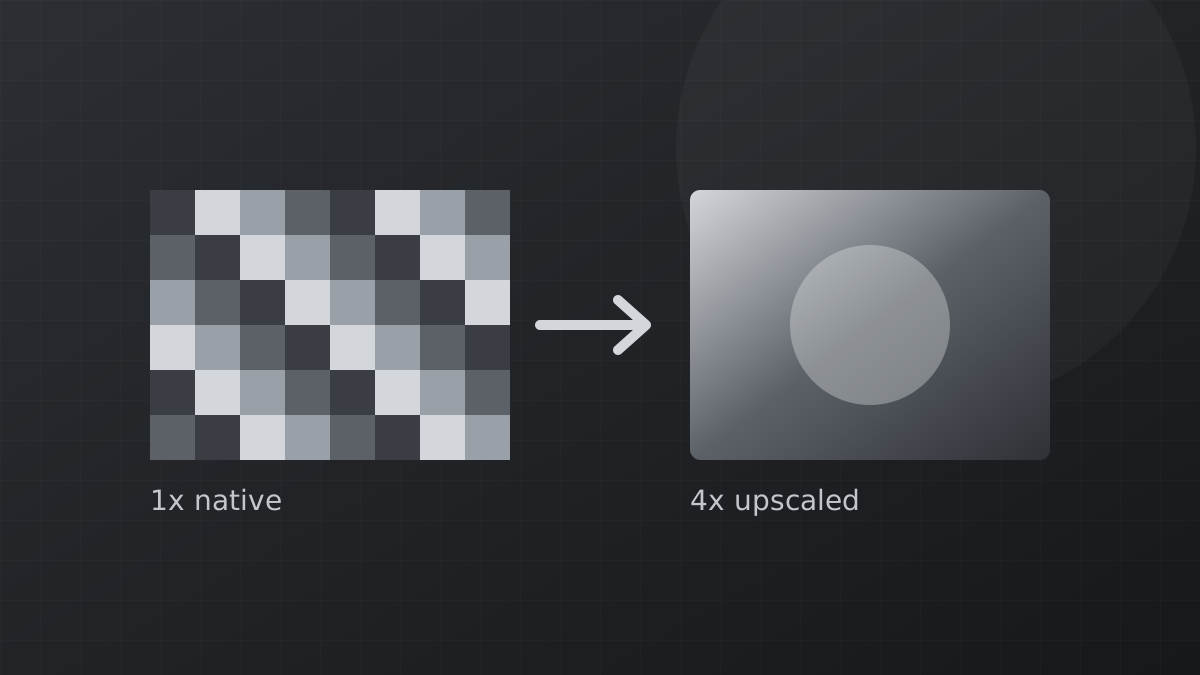
PSP games were made for a 480 by 272 screen. On a modern phone or monitor that low resolution shows, but a PSP emulator has three separate tools to fix it. Understanding what each one does helps you get a cleaner picture without wasting performance.
Rendering resolution
This renders the 3D scene at a multiple of the original resolution. At 2x the game draws at 960 by 544, at 4x it reaches 1920 by 1088. Edges become clean and distant objects become readable. It is the most effective upgrade and the first one to raise when your device has power to spare.
Texture upscaling
Higher resolution sharpens geometry, but the textures painted on that geometry stay small. Texture upscaling uses algorithms to enlarge them. The emulator offers several types:
- xBRZ keeps outlines crisp and suits cartoon or 2D-heavy games.
- Hybrid blends sharpness with smoothness for realistic styles.
- GPU-based scalers such as MMPX and, in recent versions, NNEDI3 and Spline36 run on the graphics chip and are faster on many phones.
Start at 2x. Higher levels quickly cost memory and can cause stutter when new textures load.
Post-processing shaders
Shaders change the final image after it is drawn. Some sharpen, some add bloom or color correction, some imitate an old LCD screen. They are a matter of taste. A light sharpening shader combined with 3x resolution is a popular balance on phones.
Anisotropic filtering
This improves textures seen at an angle, such as roads and floors stretching into the distance. It costs almost nothing on any modern device, so set it to 16x and forget about it.
Custom texture packs
Fans have created high-resolution replacement textures for some popular games. Place a pack in the PSP/TEXTURES folder under the game's ID and enable Replace textures. Recent versions fixed several bugs that stopped certain packs from loading.
Order of upgrades for the best result per watt: anisotropic filtering, then rendering resolution, then texture upscaling, then shaders.